Reception queues
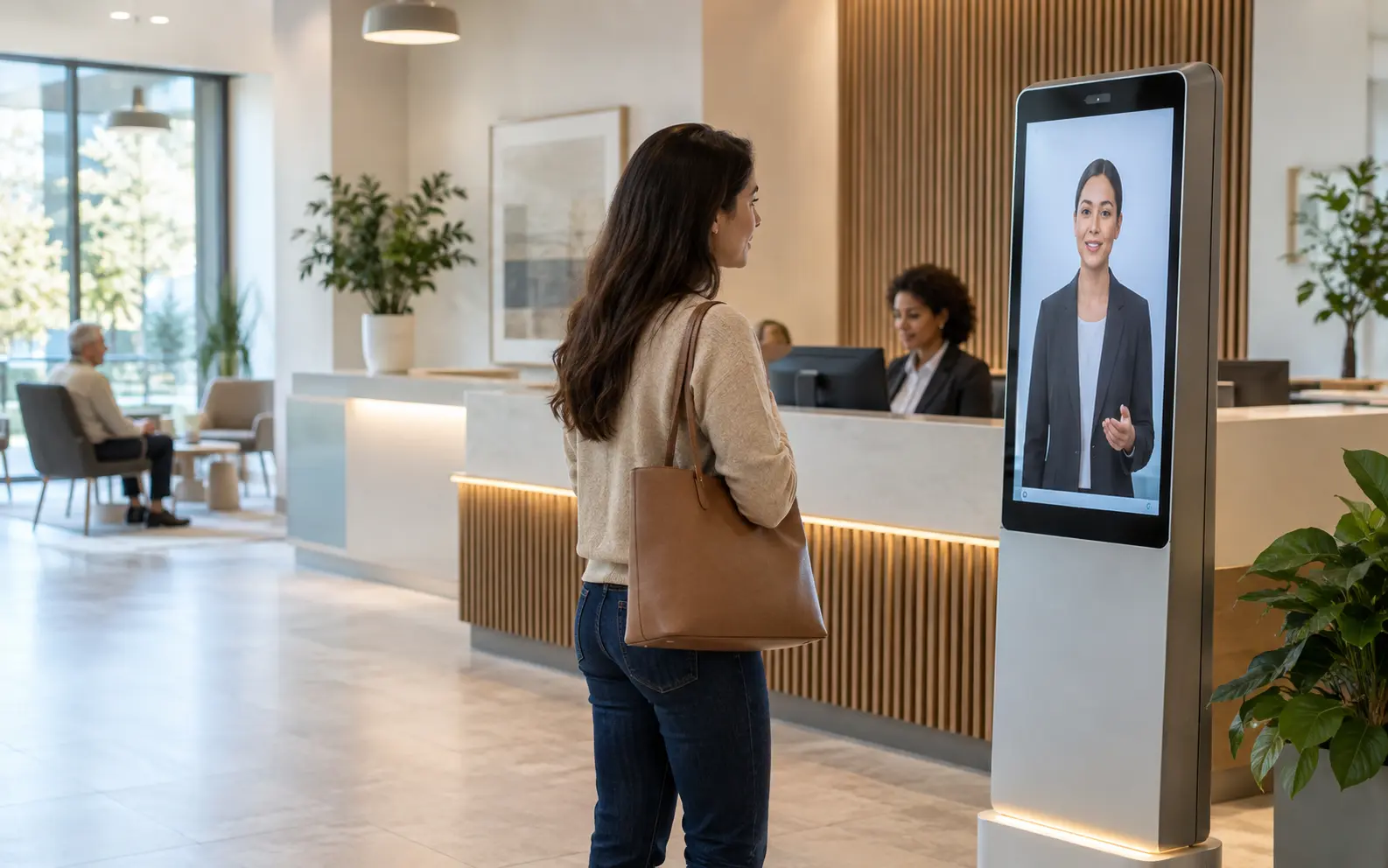
Frontline / Patient Front-Door Presence
Make the first five minutes of care calm, clear and connected.
A patient-facing AI presence that handles arrival, navigation and routine coordination while protecting clinical boundaries and escalating safely.
See how it works03 / 09
01
The operational shift
Repeated questions
Guided next steps
Fragmented updates
Coordinated journey
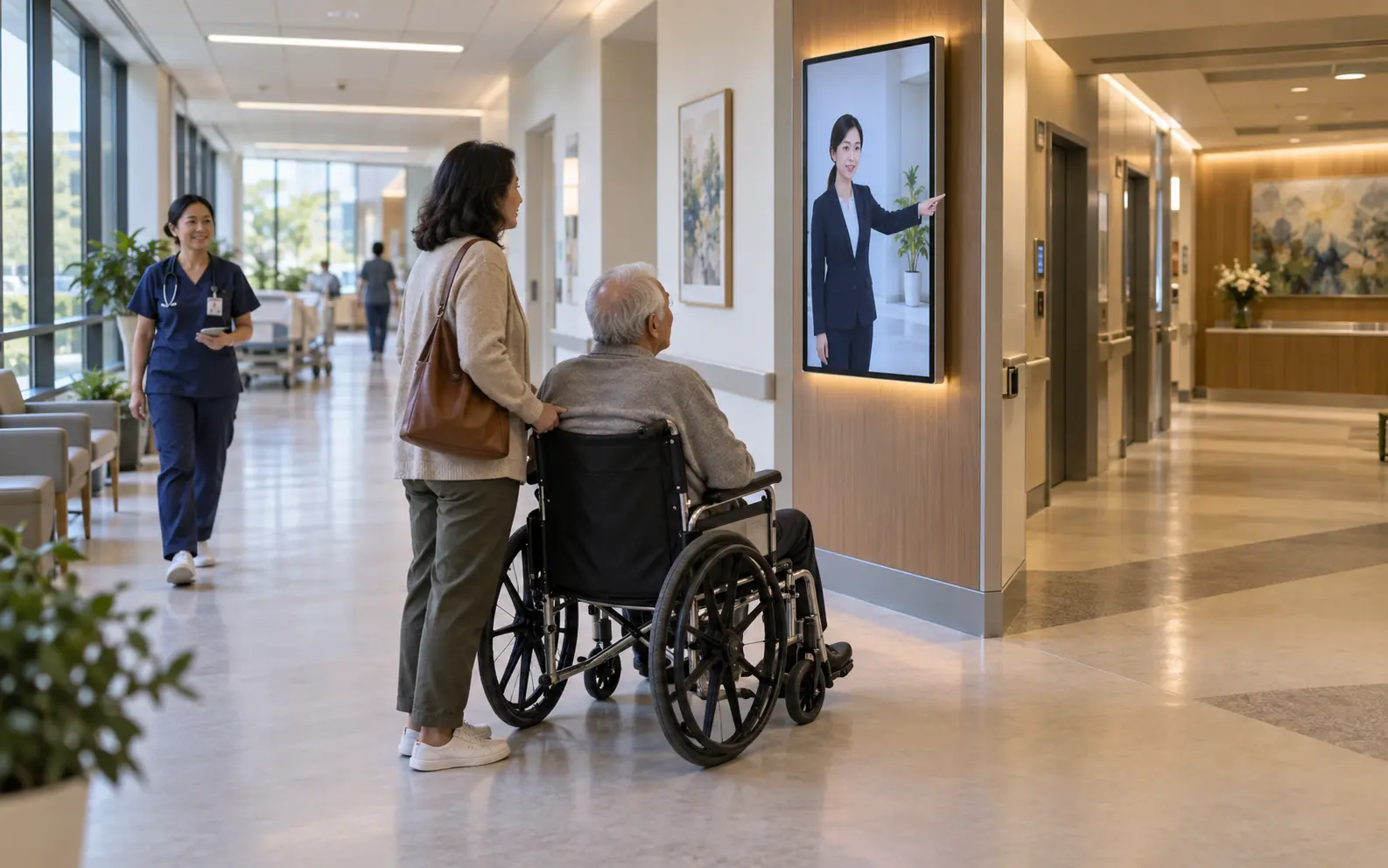
Presence in the workflow
Guidance follows the patient beyond reception.
Frontline / Patient Front-Door Presence02
What this presence does
Smart arrival
Welcomes patients, confirms appointment context and directs the appropriate workflow.
Appointment coordination
Books, reschedules and communicates preparation instructions through connected systems.
Facility navigation
Guides visitors to departments, diagnostics, pharmacy and billing in their language.
Routine intake
Collects permitted administrative information before staff engagement.
Care-team handoff
Escalates clinical questions or distress signals to trained personnel with context.
Experience intelligence
Finds queue friction, repeated confusion and service bottlenecks without making diagnoses.
Greet each arrival, confirm the appointment and check the patient in without asking for details the booking already holds. Answer only administrative and facility questions from the approved information set. Guide visitors to departments, diagnostics, pharmacy and billing in their chosen language. Treat any question about symptoms, medication or results as clinical and hand it to a nurse with the context gathered. Page the on-duty triage nurse at once if a patient reports chest pain or breathing difficulty. Send reminders only on channels the patient has consented to.
From the presence brief
03
How Ananta achieves it
One intelligence loop.
Built around the work.
- 01
Welcome
Recognise appointment, language and assistance needs.
- 02
Coordinate
Connect scheduling, queue, navigation and patient communication.
- 03
Guide
Give only approved administrative and facility information.
- 04
Escalate
Move clinical, urgent or uncertain situations to qualified staff.
- 05
Follow through
Deliver reminders, instructions and consented service updates.
04
Deployment architecture
Ananta Presence Runtime
Connect the physical environment to enterprise action.
Presence surfaces
Reception screen · Kiosk · Mobile · Voice · WhatsApp
Enterprise inputs
Appointments · Queue · Facility map · Approved patient information
Actions
Check-in · Booking · Navigation · Reminder · Staff notification
Intelligence
Intent · Language · Queue context · Safe escalation · Journey memory
05
Prove the value
Measure what changes.
- Check-in time
- Reception workload
- Queue abandonment
- Navigation requests
- Patient satisfaction
06
Enterprise controls
Governed from the start.
- No autonomous diagnosisIncluded
- Minimum necessary dataIncluded
- Explicit consentIncluded
- Clinical escalation rulesIncluded
07
Boundaries by design
- Never answers a question about symptoms, results or medication. A nurse does.
- Does not hold medical records. It sees the appointment, the queue and approved facility information.
- Never identifies a patient by face. Check-in uses the booking reference or a QR code.
- Only books into slots the scheduling system offers. Priority and urgency are a nurse's call.
08
Before you buy
Deployment questions.
What hardware goes into the reception area?
A reception screen or kiosk with a microphone and a camera that detects someone is there, never who. Patients' own phones carry the same presence over WhatsApp and voice.
Who approves an action before it runs?
Your patient services lead signs off the action list: check-in, booking into open slots, navigation, reminders and staff notification. Anything outside that list, including a referral or a priority change, goes to a nurse or reception lead.
Where does patient data live, and for how long?
Appointment and queue data stay in your scheduling system; the presence only reads them. Transcripts, which may include what a patient said before handover, stay in your tenant and region for the period your privacy officer sets, then are deleted.
How does a nurse or receptionist take over?
The presence pages the on-duty nurse or reception lead with the patient's language, appointment and the exchange so far. A staff member can also step in at the screen at any point, and the presence stands down.
What does a 90-day pilot cover?
One outpatient reception, two languages and three actions: check-in, rescheduling and navigation. We baseline check-in time and reception workload in the first two weeks, then run the presence against those numbers.
How do you count outcomes?
From your systems, not ours: check-in time and abandonment from the queue system, reception workload from staff rosters, satisfaction from your existing patient survey. The presence logs every nurse escalation with its reason.
Healthcare