Quarterly survey
Operations / Autonomous Inspection Presence
Find energy loss before it becomes operational loss.
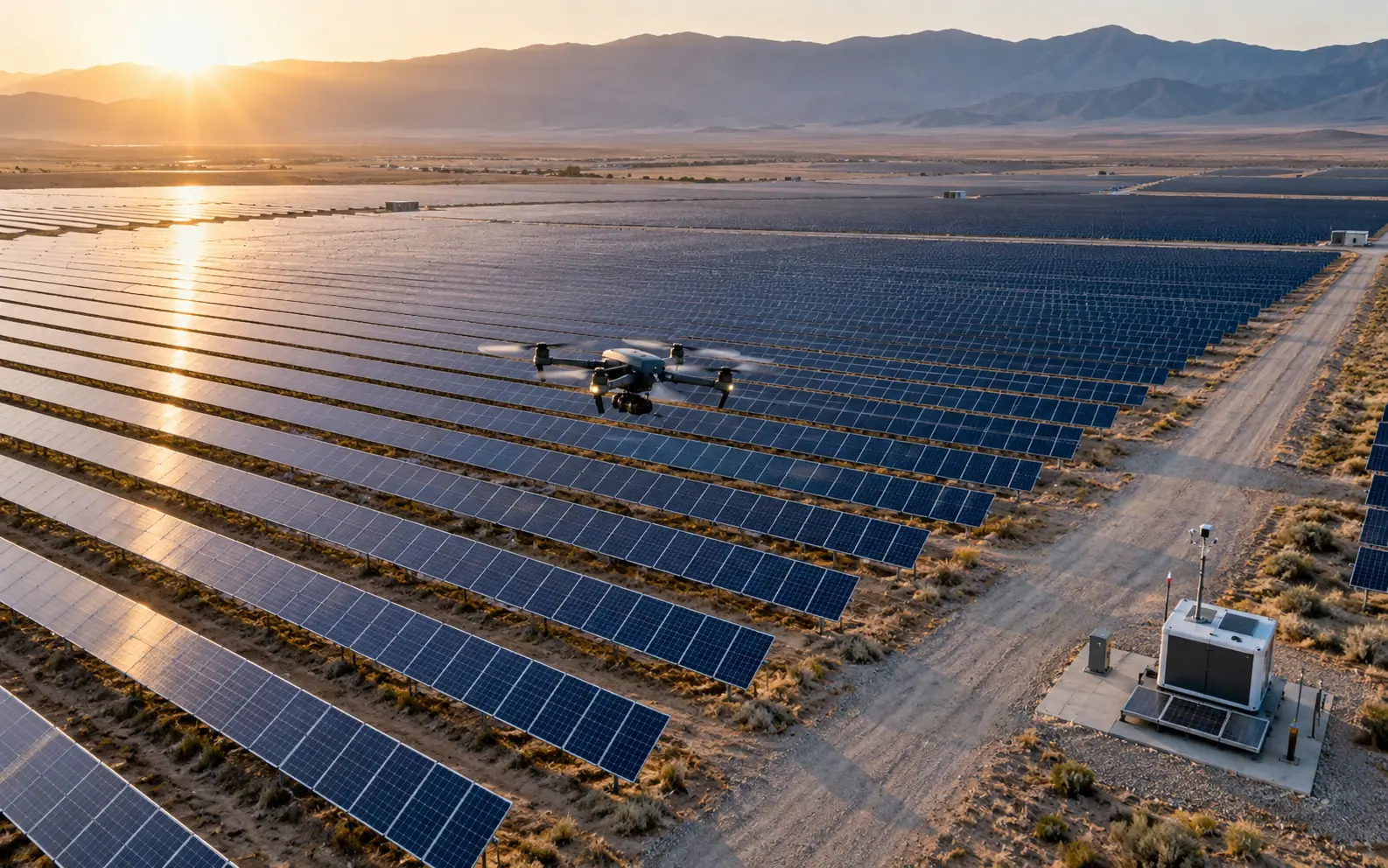
A persistent aerial and visual presence that schedules missions, detects thermal and physical anomalies and turns every finding into asset-linked maintenance evidence.
See how it works04 / 09
01
The operational shift
Hours of footage
Prioritised findings
Calendar cleaning
Condition-based work

Presence in the workflow
Autonomy turns inspection into an operating rhythm.
Operations / Autonomous Inspection Presence02
What this presence does
Panel health
Detects hotspots, damaged modules, soiling patterns and visible defects across arrays.
Equipment thermal watch
Flags unusual heat signatures in inverters, transformers and electrical equipment.
Tracker verification
Compares expected and observed alignment to identify stuck or drifting trackers.
Vegetation and fire risk
Maps encroachment and high-risk zones for targeted clearing.
Work verification
Captures before-and-after evidence for cleaning, repair and contractor work.
Incident response
Launches a mission after alarms, weather or operator request to provide rapid site visibility.
Fly only geofenced routes approved for this site, inside the wind, rain and visibility limits the operator has set. Stand down when the weather station reports outside those limits. Tag every hotspot, stuck tracker and soiled string to its asset ID, with GPS position and timestamp. Score severity against the site baseline and draft a work order for a human to approve. Never dispatch a crew or order clearing on your own judgement. Return to dock before battery reserve drops below the set threshold.
From the presence brief
03
How Ananta achieves it
One intelligence loop.
Built around the work.
- 01
Plan
Create repeatable routes by array, asset, weather and inspection objective.
- 02
Capture
Synchronise RGB, thermal, telemetry and asset coordinates.
- 03
Detect
Compare findings with baselines and operating context.
- 04
Prioritise
Score severity and connect anomalies to the right asset.
- 05
Close
Create work evidence and verify the condition after intervention.
04
Deployment architecture
Ananta Presence Runtime
Connect the physical environment to enterprise action.
Field layer
Drone · Dock · RGB/thermal payload · Weather station · Fixed cameras
Enterprise inputs
SCADA · Asset registry · GIS · CMMS · Security alarms
Actions
Mission launch · Finding · Work order · Alert · Evidence report
Intelligence
Thermal analysis · Defect detection · Change history · Severity scoring
05
Prove the value
Measure what changes.
- MW inspected per day
- Time-to-detection
- False dispatch reduction
- Energy loss recovered
- Cost per inspection
06
Enterprise controls
Governed from the start.
- Geofenced missionsIncluded
- Weather safety rulesIncluded
- Human flight oversightIncluded
- GPS-timestamped evidenceIncluded
07
Boundaries by design
- Never launches outside the geofence or beyond the operator's wind and visibility limits.
- Does not raise a work order or dispatch a crew without a named approver.
- Never changes inverter, tracker or switching settings; SCADA stays read-only.
- Does not identify people in imagery; faces are blurred before storage.
08
Before you buy
Deployment questions.
What hardware goes on site?
A docked drone with RGB and radiometric thermal payload, a weather station and optional fixed cameras at inverter stations. The dock needs mains power and a network link; everything else reads from your existing SCADA, GIS and CMMS.
Who approves a mission or a work order?
Routine missions run on a schedule your O&M lead signs off once. Unscheduled launches after an alarm, and every work order the presence drafts, wait for a named approver in the CMMS or the console.
Where is imagery stored, and for how long?
Flight data lands in your tenant, in the region you choose, or on site if the plant is air-gapped. Raw imagery is kept 90 days by default; findings and evidence follow your retention policy.
How does a pilot take over mid-flight?
Every mission streams live to the console. A remote pilot can pause, hold or return the aircraft to dock at any point, and the aircraft returns on its own when the link drops or reserve falls below threshold.
What does a 90-day pilot cover?
One dock on one block of the plant, typically 20 to 50 MW. Weeks one to two set baselines; the rest run scheduled thermal and RGB missions, with findings written into your CMMS against a manual survey for comparison.
How are outcomes counted?
Each finding carries asset ID, position, timestamp and estimated kW loss. We report MW inspected per day, time from anomaly to work order, confirmed versus dismissed findings, and recovered energy against the pilot's baseline.
Solar & Renewables